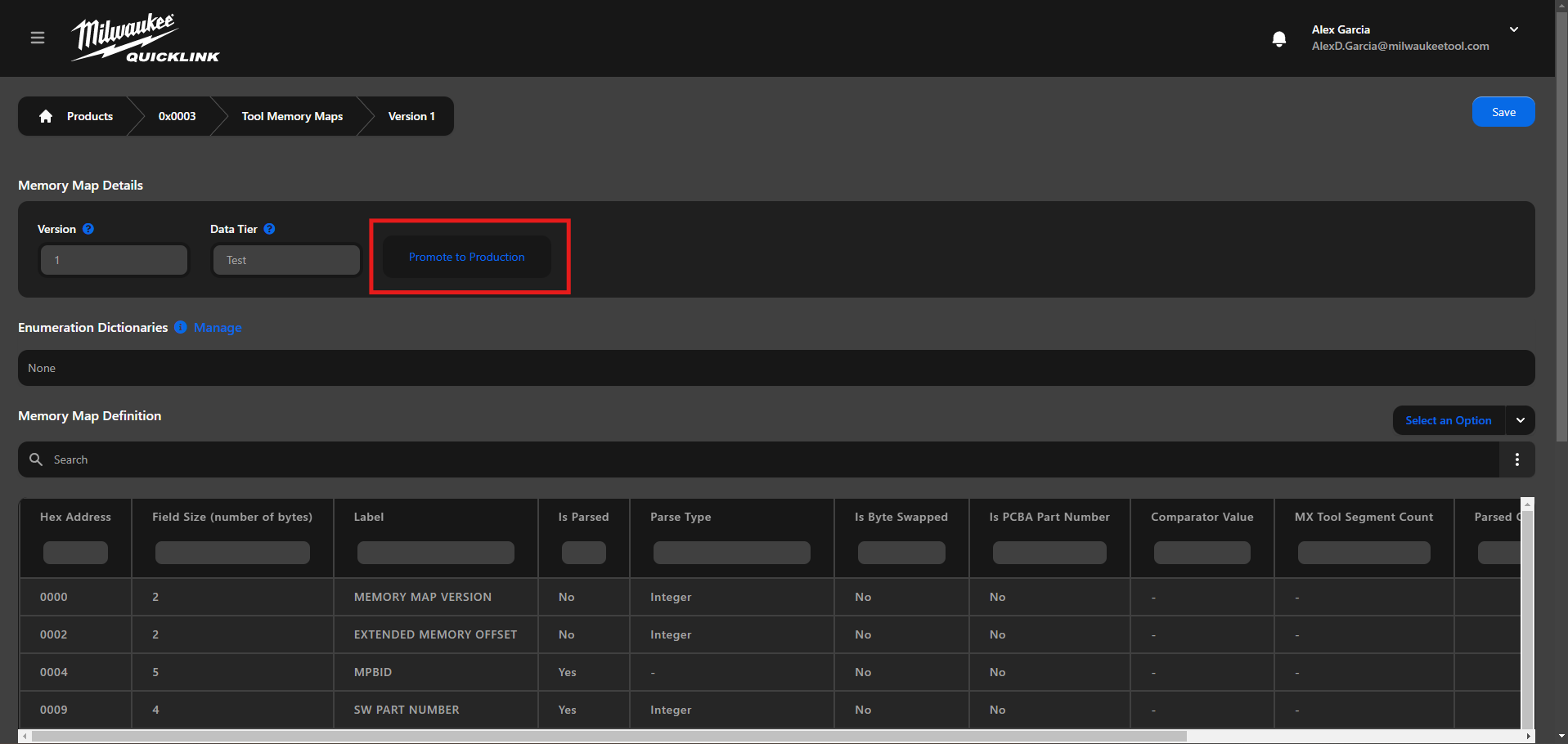
Promote
Promote to Production
Promoting to production is the final step in the memory map creation or modification process and it can only be done by a user the proper permissions.
Memory Map Promote to Production Process:
- Navigate to (https://quicklink.milwaukeetool.com) and login with your Milwaukee Tool credentials.
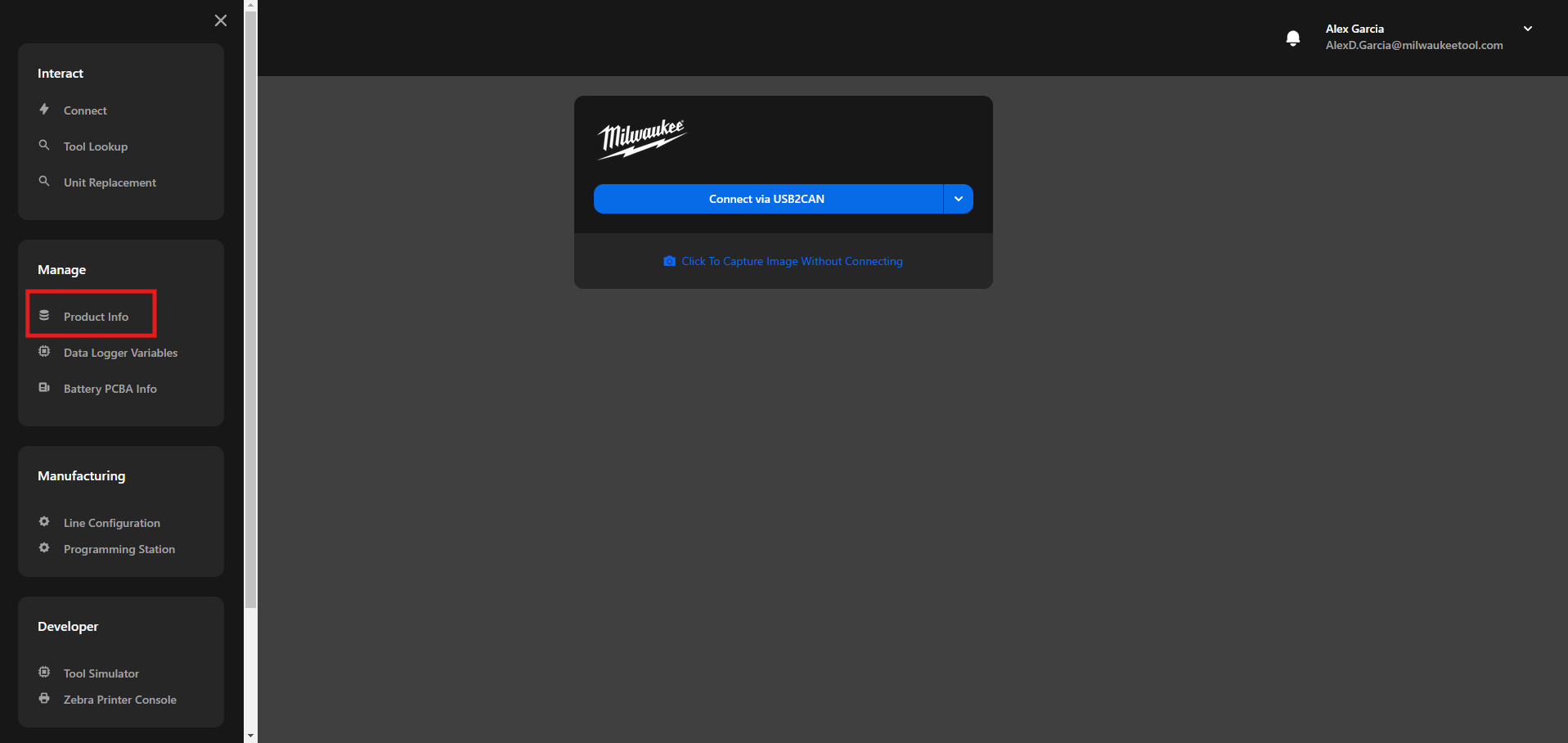
- Click on the “Product Info” in the menu option.
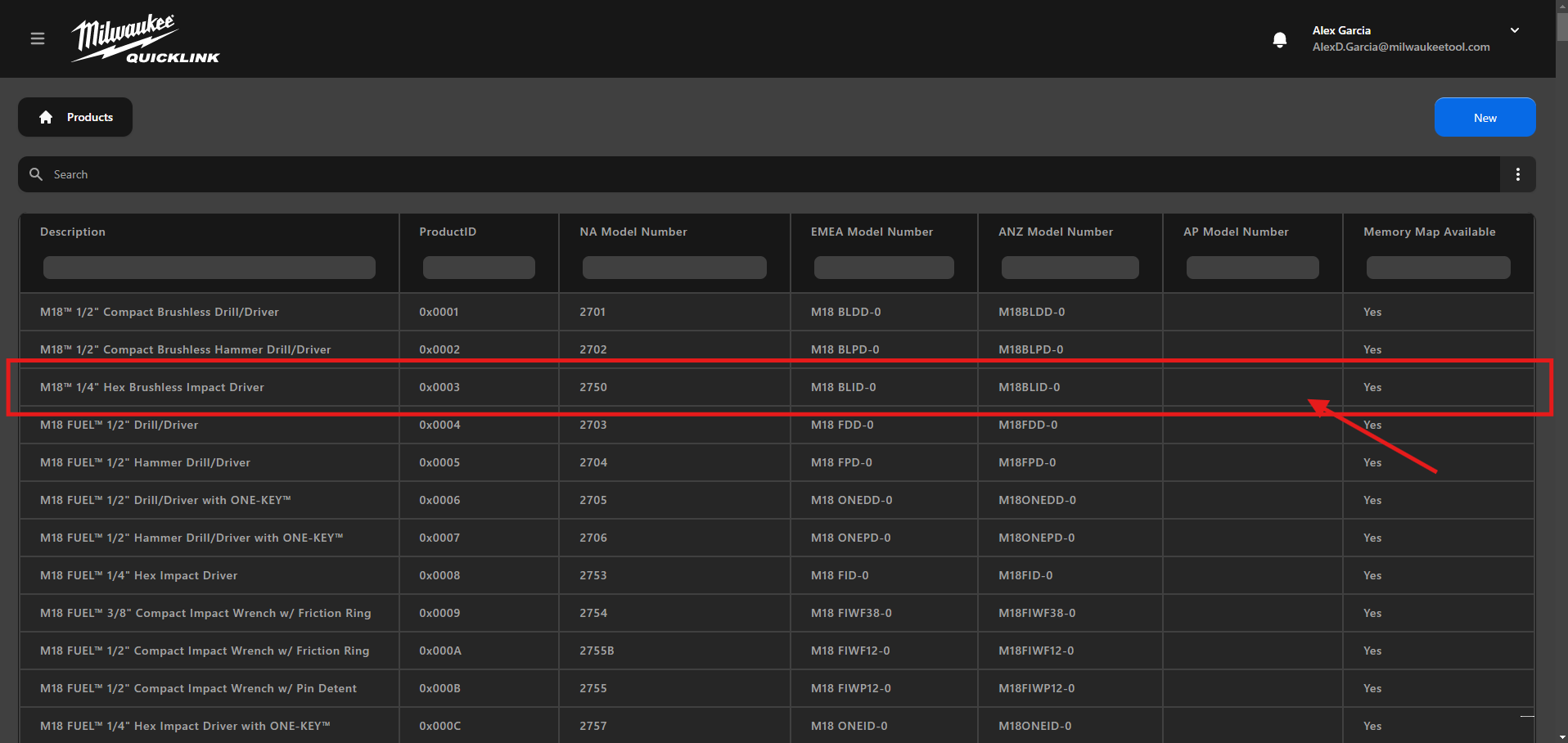
- Search the desired Product from the table.
- Click on the product that you want to edit the Memory Map.
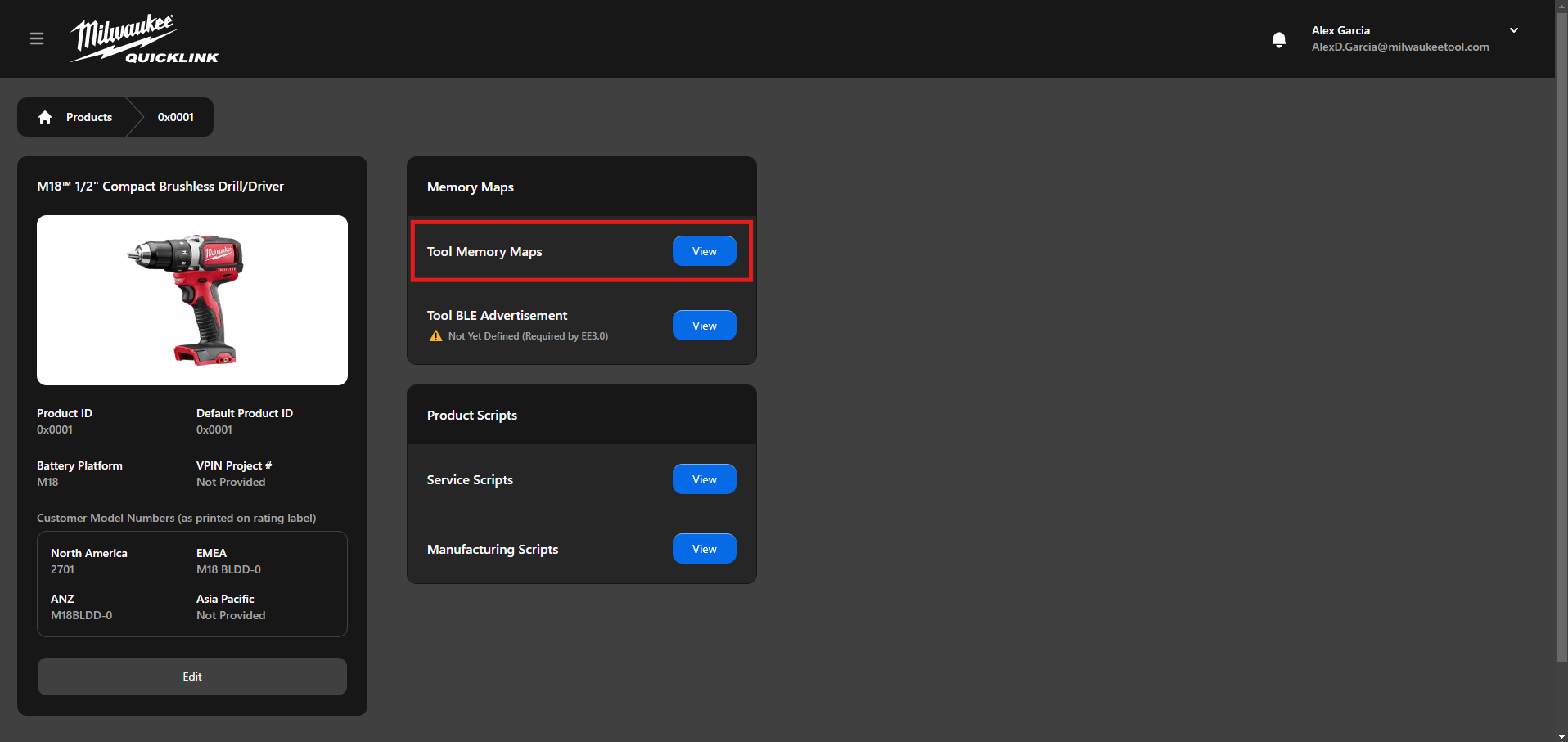
- In the Memory Maps click on the "View" button for the Tool Memory Maps
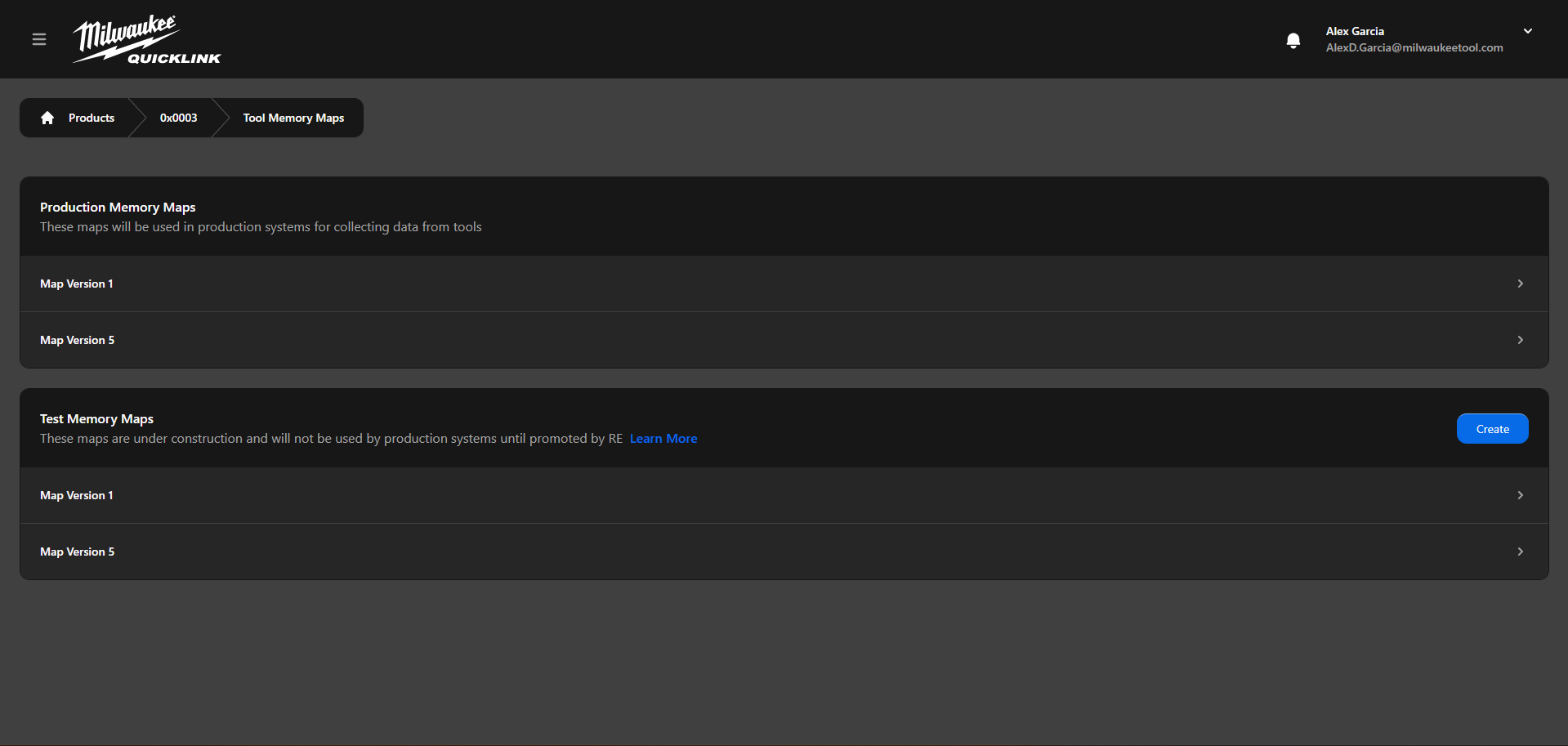
- From the Test Memory Maps select the one that you want to promote to production
- Click on the "Promote to Production" button and wait for the process to complete