QuickLink at Service
How is QuickLink used at Service?
Order Entry
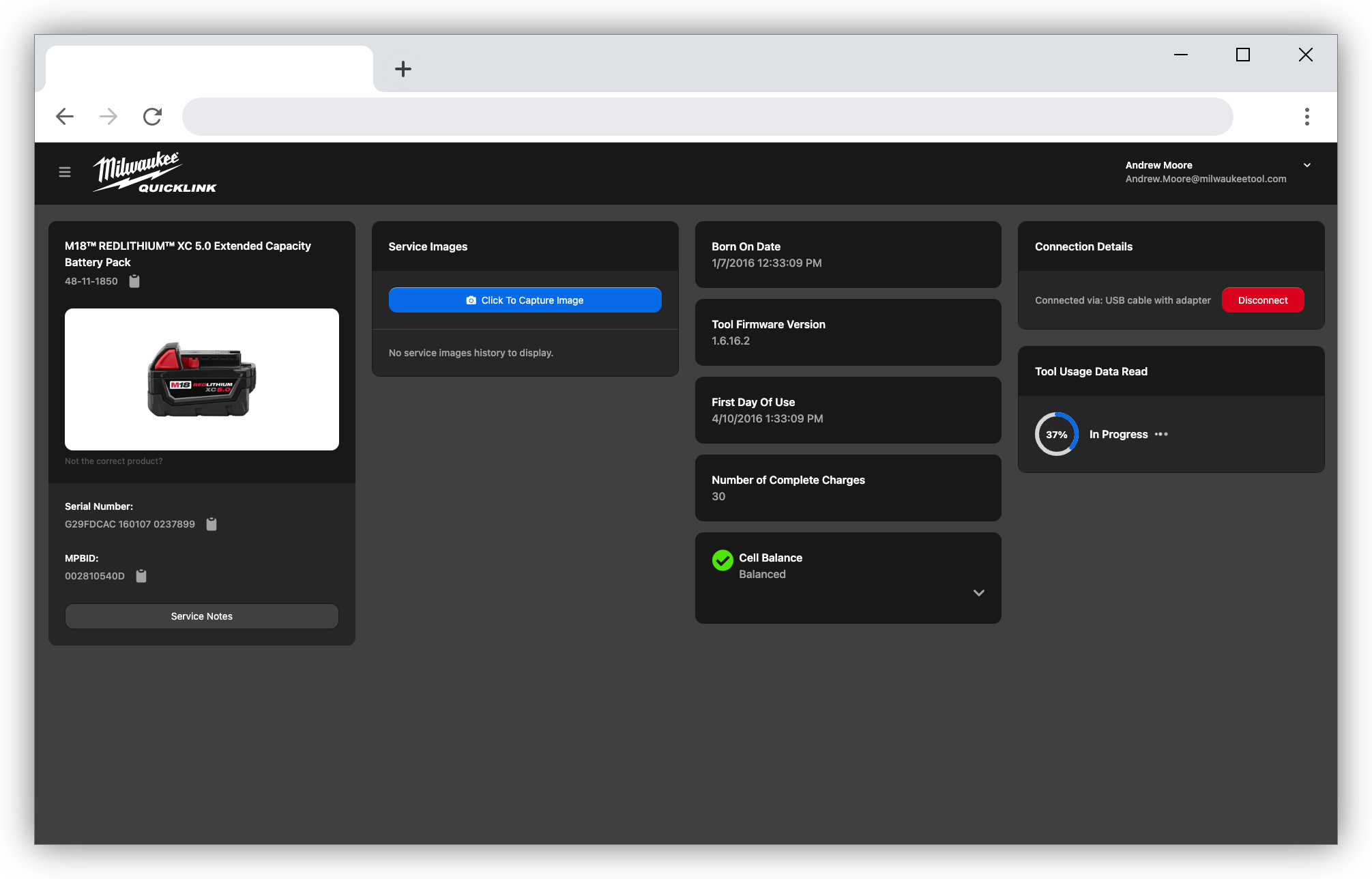
At our in-house Service Hubs, our Order Entry Clerks are the first to get hands-on with tools as they come through the door.
Clerks use QuickLink to:
- Extract tool usage data used by our Quality and Reliability Engineers
- Lookup and display the Serial Number (often unreadable on the rating label)
- Capture an incoming image of the tool
- More...
Service Technicians
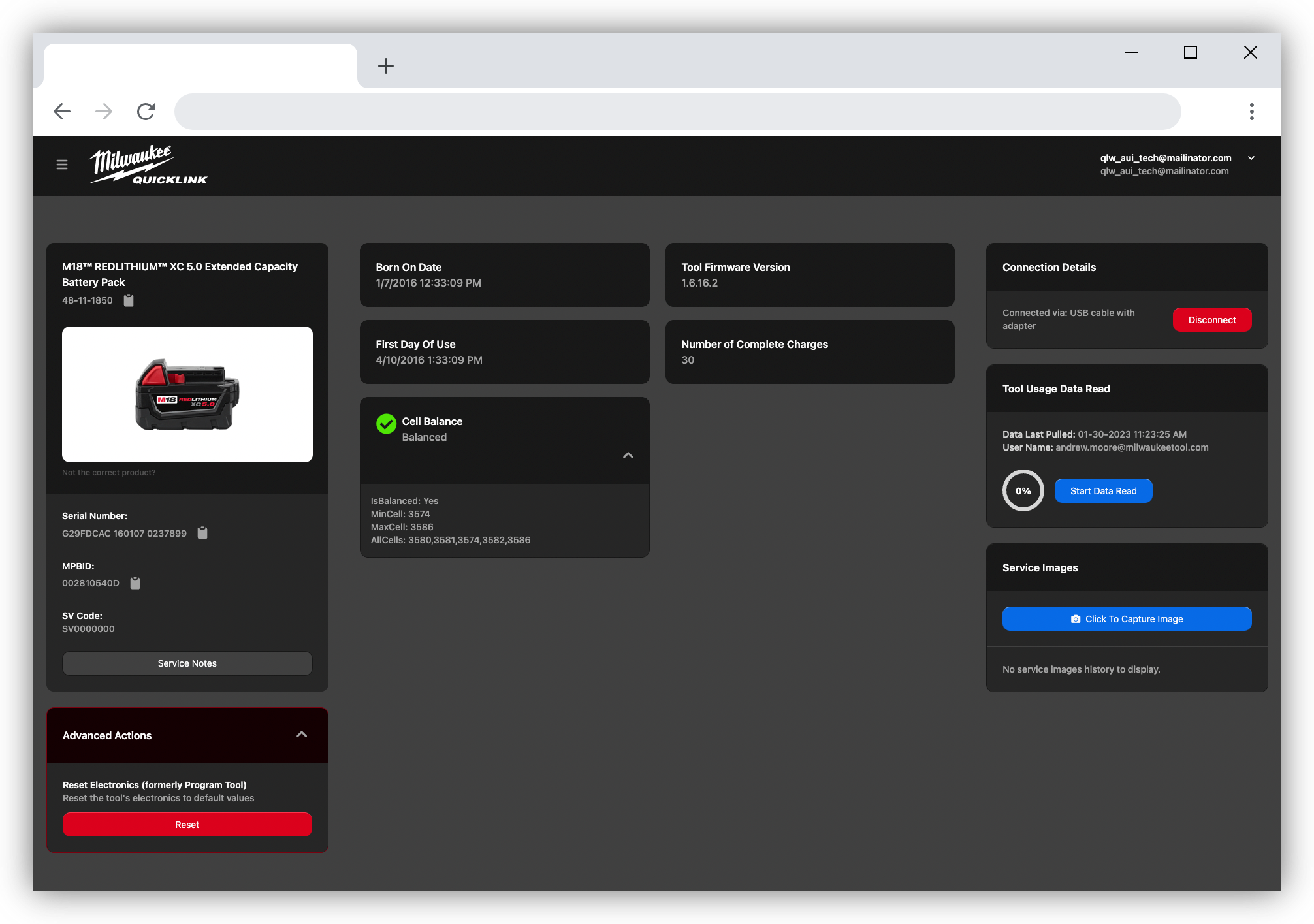
When a tool finds its way to a tech bench, the technician uses QuickLink to:
- Capture images related to a denied warranty
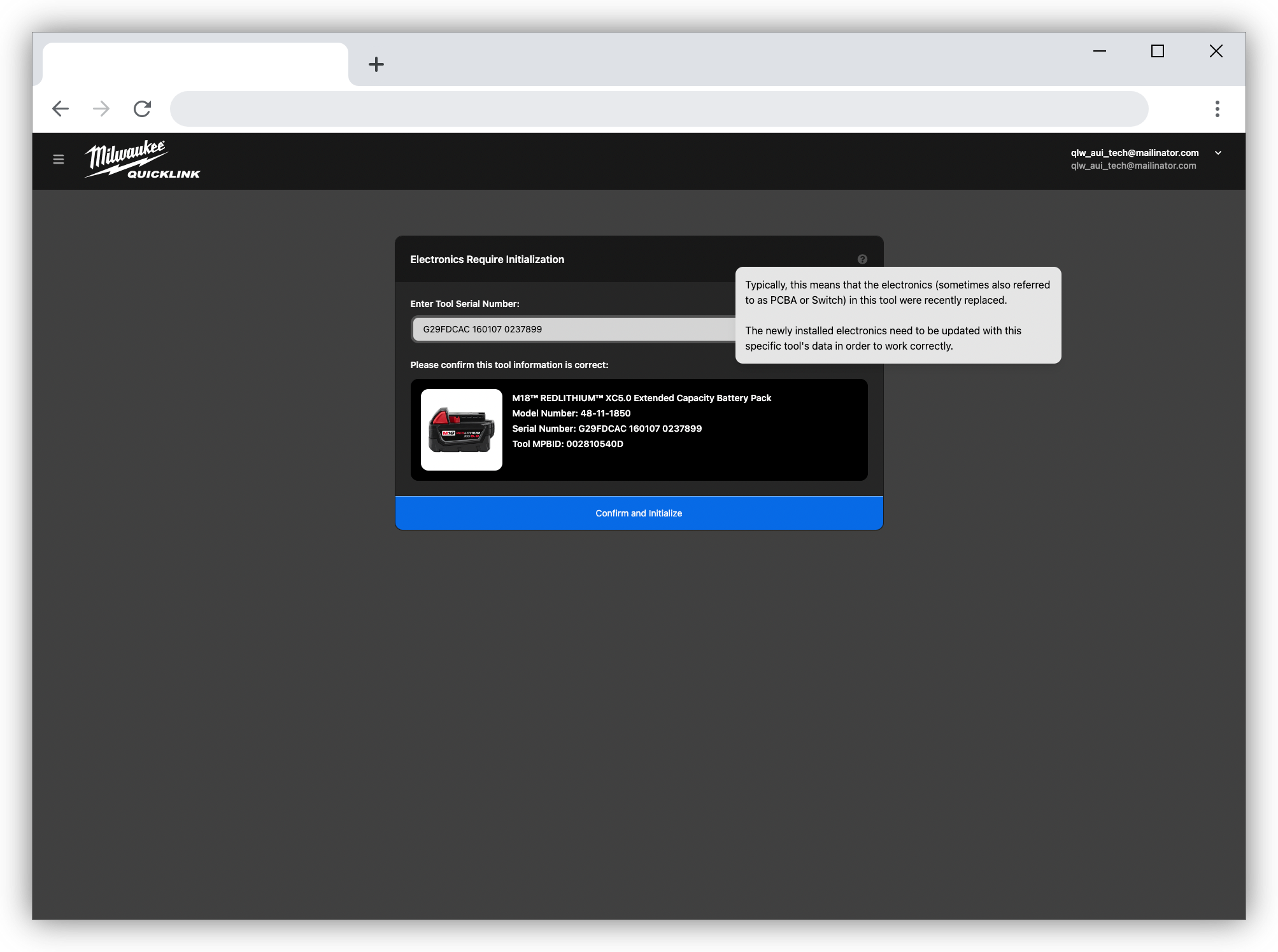
- Re-initialize replaced electronics
- View diagnostic data and generate PDF reports of results
- Be notified if the tool is marked lost or stolen
- More...
Authorized Service Centers
Our network of ASCs use QuickLink to perform the same tasks as our Technicians at our Service Hubs
For a detailed walkthrough of how electronics initialization works, see Electronics Initialization.