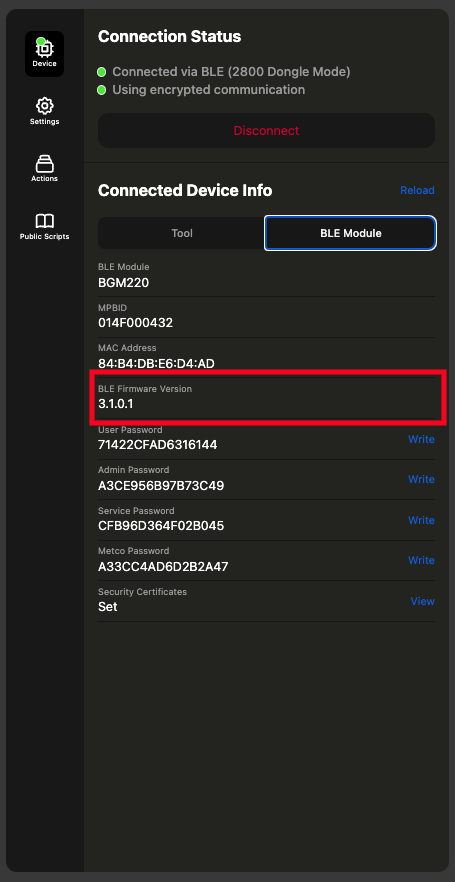
Quicklink BLE Firmware Update
How to use Quicklink for BLE Firmware Updating
Currently only for BGM11s and BGM220
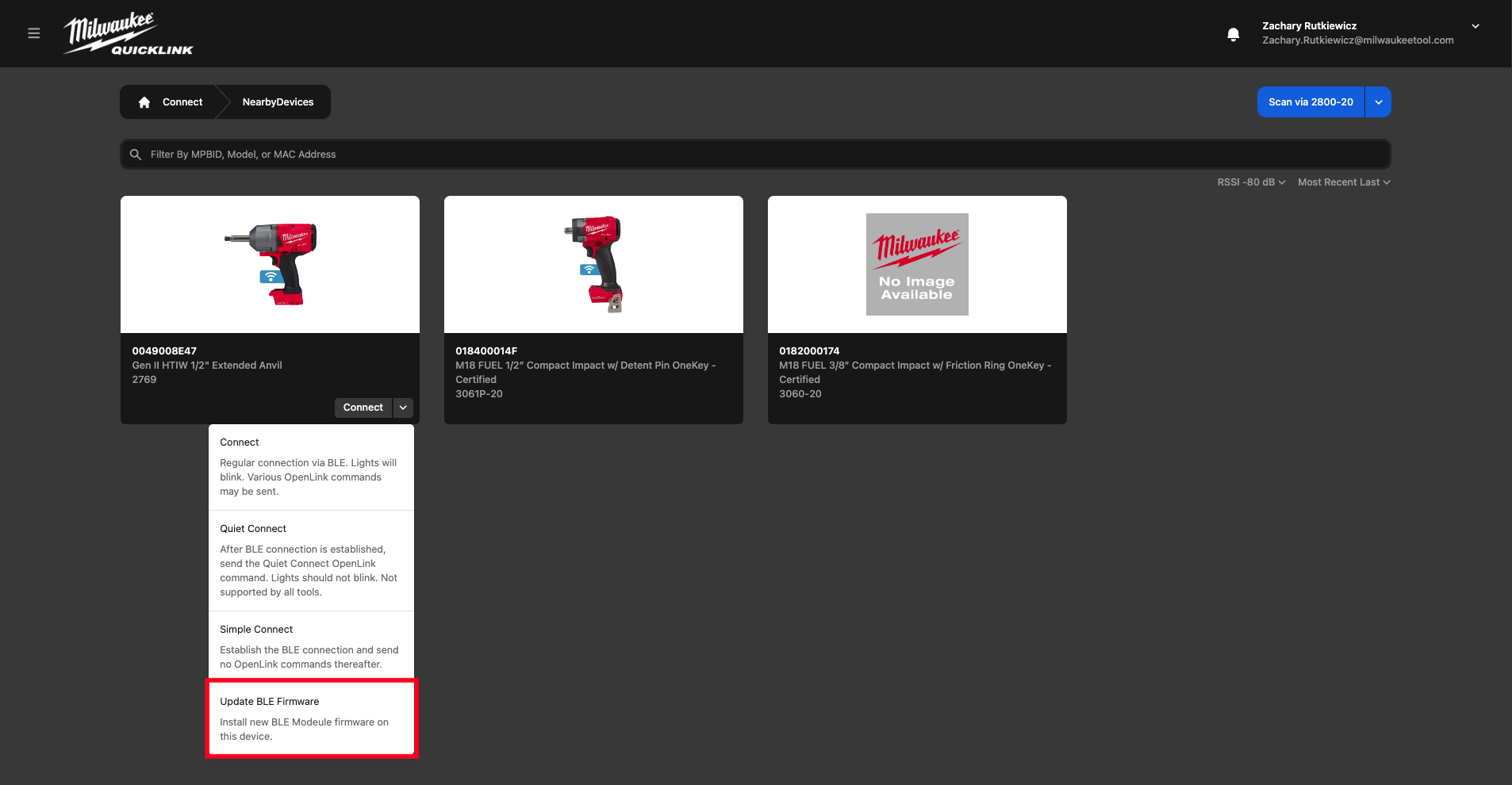
- Select BLE Firware Update under connection modes
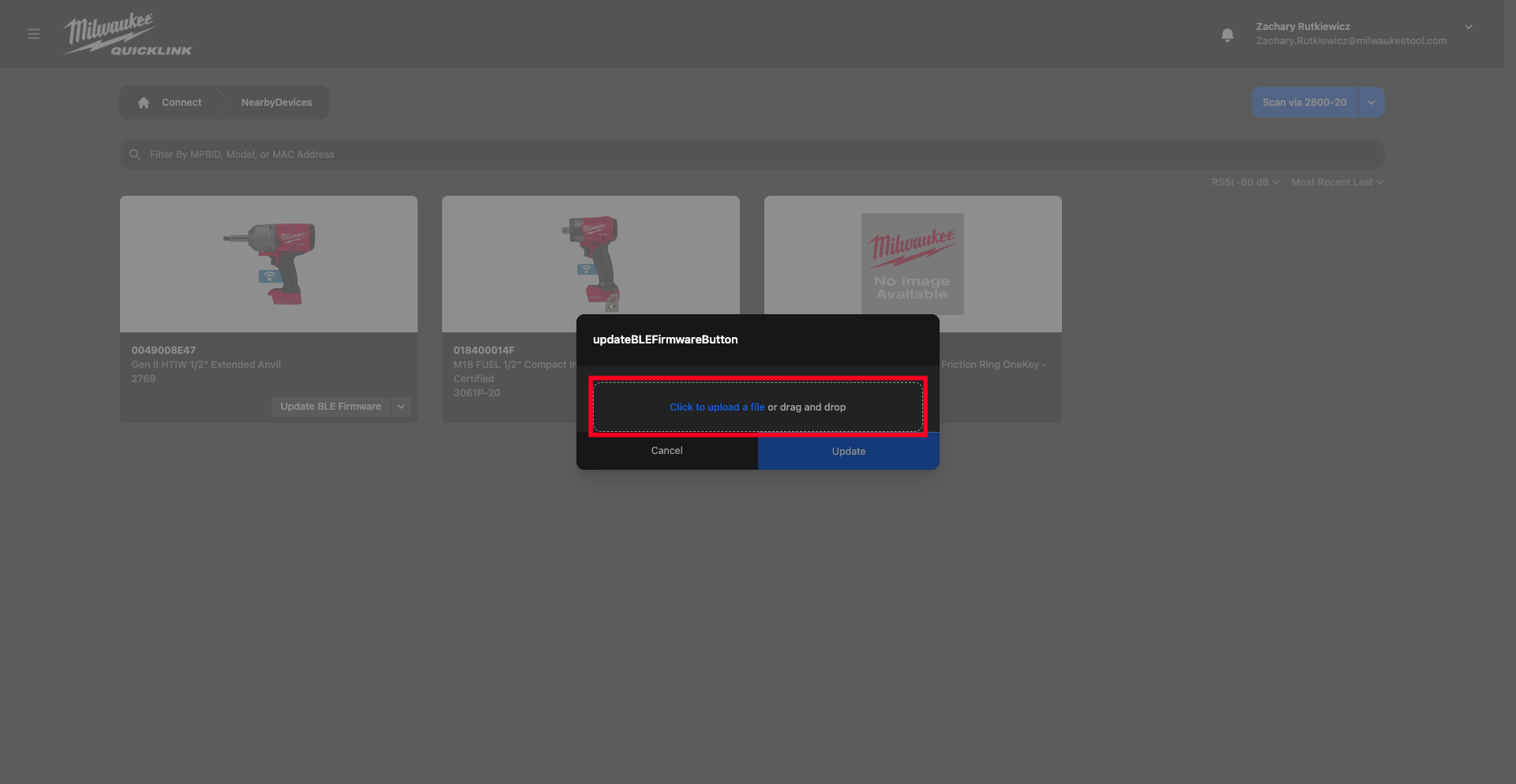
- Select firmware file.
- Must be a signed and encrypted .gbl file

- Must be a signed and encrypted .gbl file
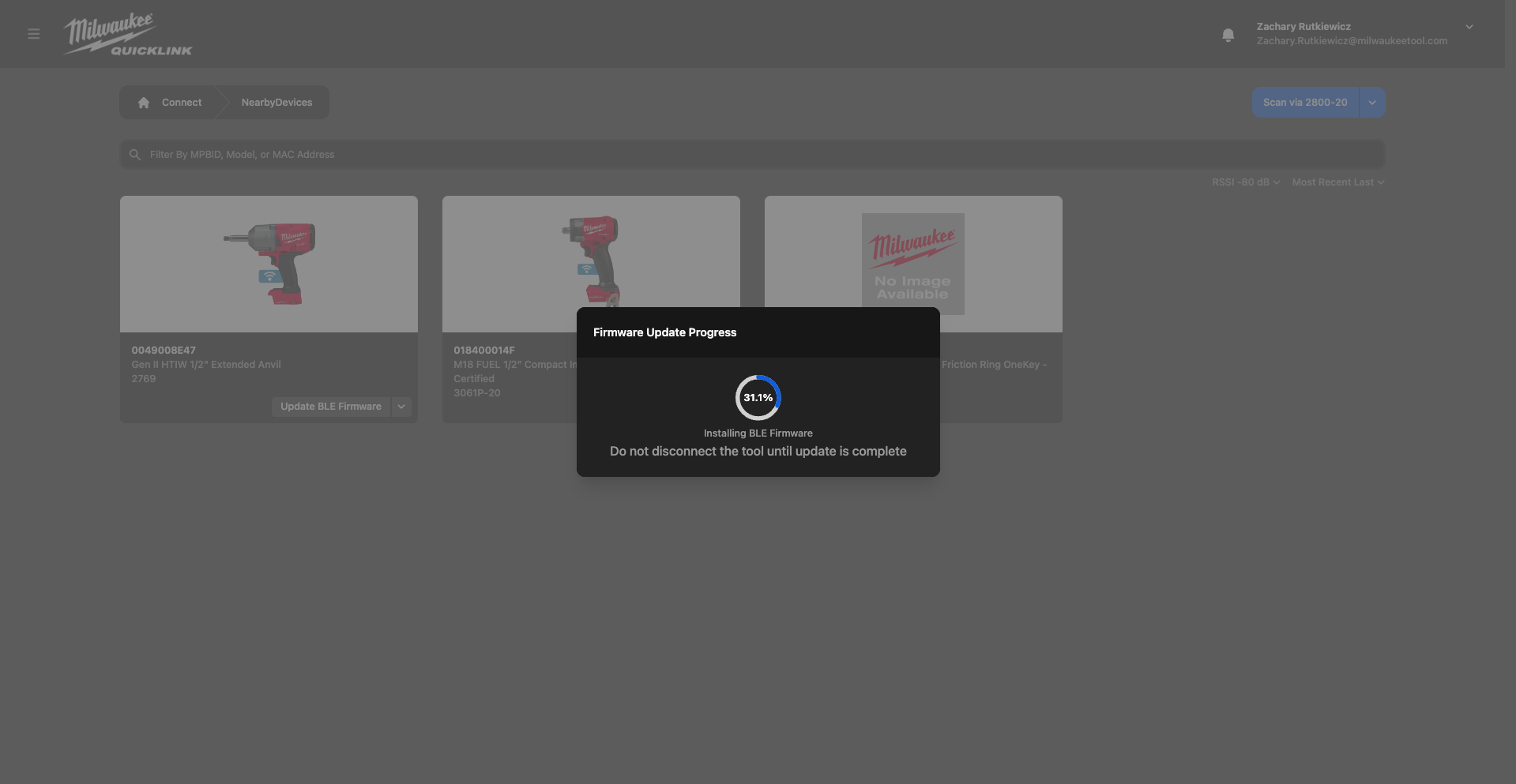
- Wait for update to finish
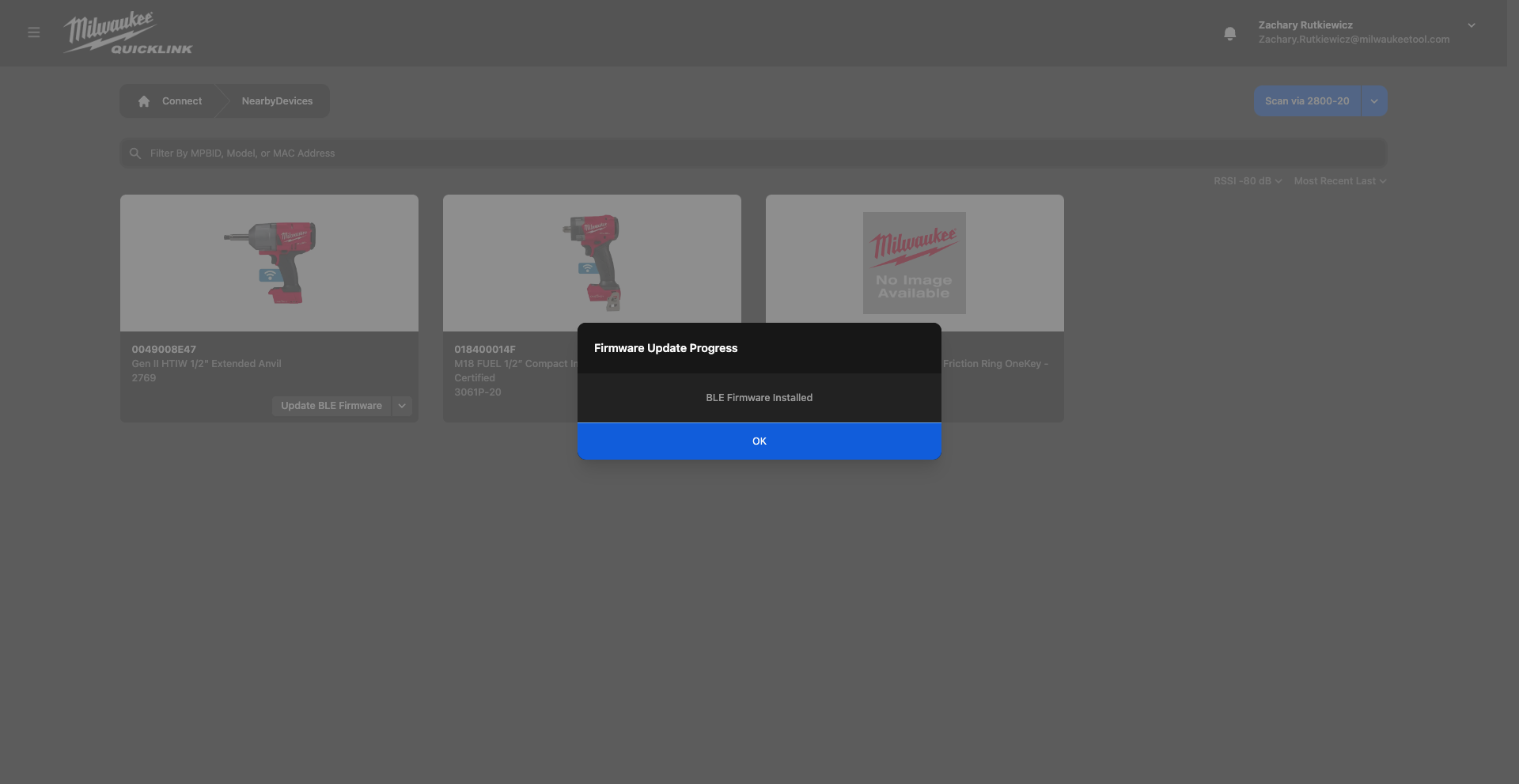
- Confirm BLE firmware is updated by connecting to tool