Workflow
New Script Creation
When first entering the MTSL Editor from the QuickLink left sidebar, a blank script will be initialized.
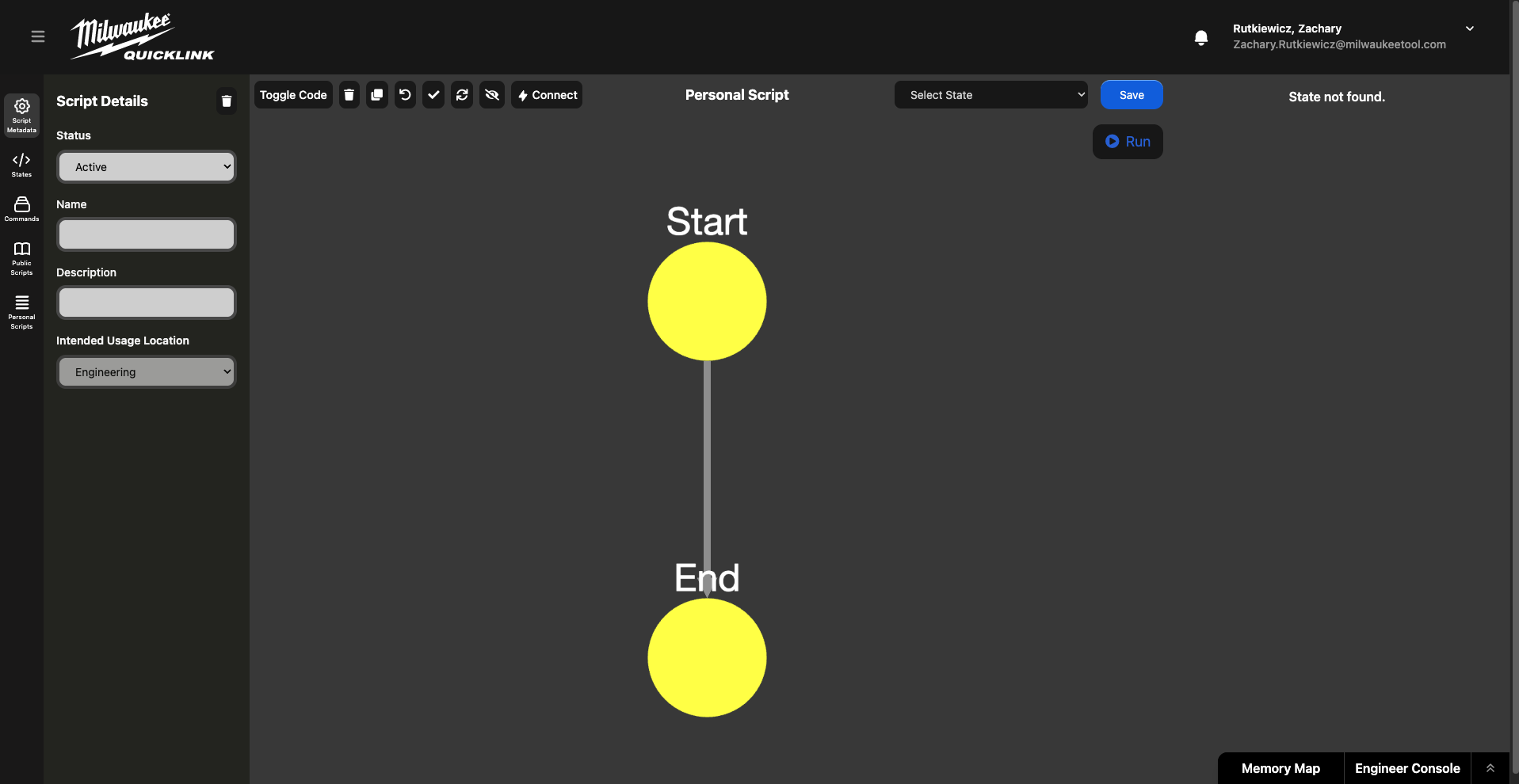
A name and description is a good place to start.
A script will not save until a state is added to the state machine. Without any states the script is blank and there is nothing to save.
Next a state can be dropped in from the States icon on the left sidebar. States can be dropped on lines between states to automatically connect between them. Most scripts start with reading some information from the tool using either a command from the left bar or getting the field from the memory map on the bottom bar.
Once states have been built up into a script, such as reading the born on date of the connected tool, as shown below, the script can be tested by connecting a tool and pressing run. The output of the script can either be shown via a UI:Display resource, or by viewing the engineer console.
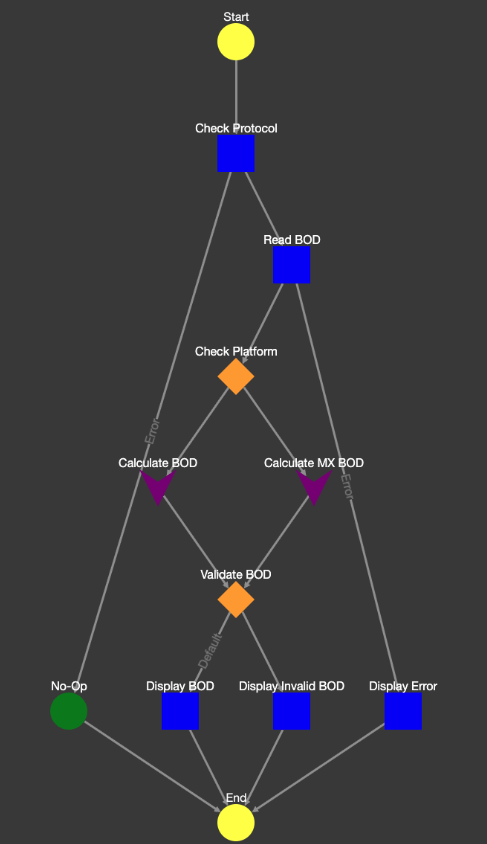
The script should then be saved and it now becomes a public script.
The ideal method for creating product scripts is to navigate to that product using the product info table and then either creating a service or manufacturing script associated with that product.