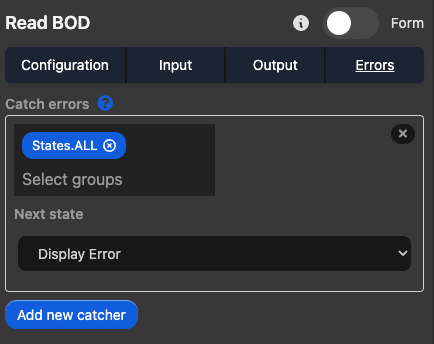
Right Sidebar
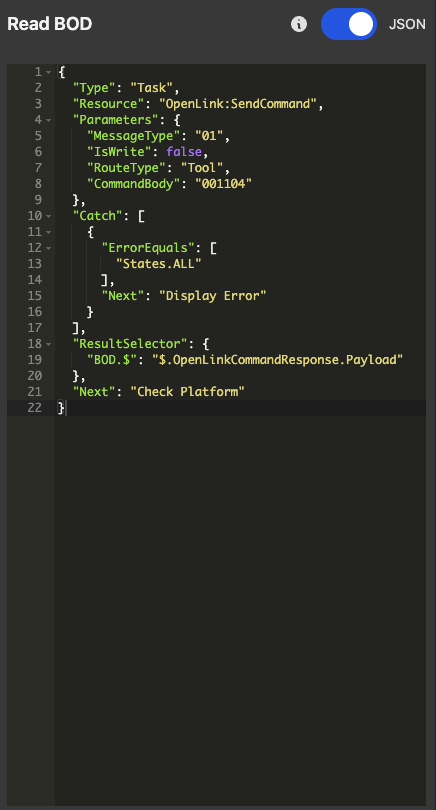
This bar allows us to edit the states specific configuration, inputs, outputs, and error handling. We can either use a form style of editing or directly write the JSON for the MTSL state using the switch on the top of the bar. There is also an informational button that links to the page documenting the state type definition for MTSL.
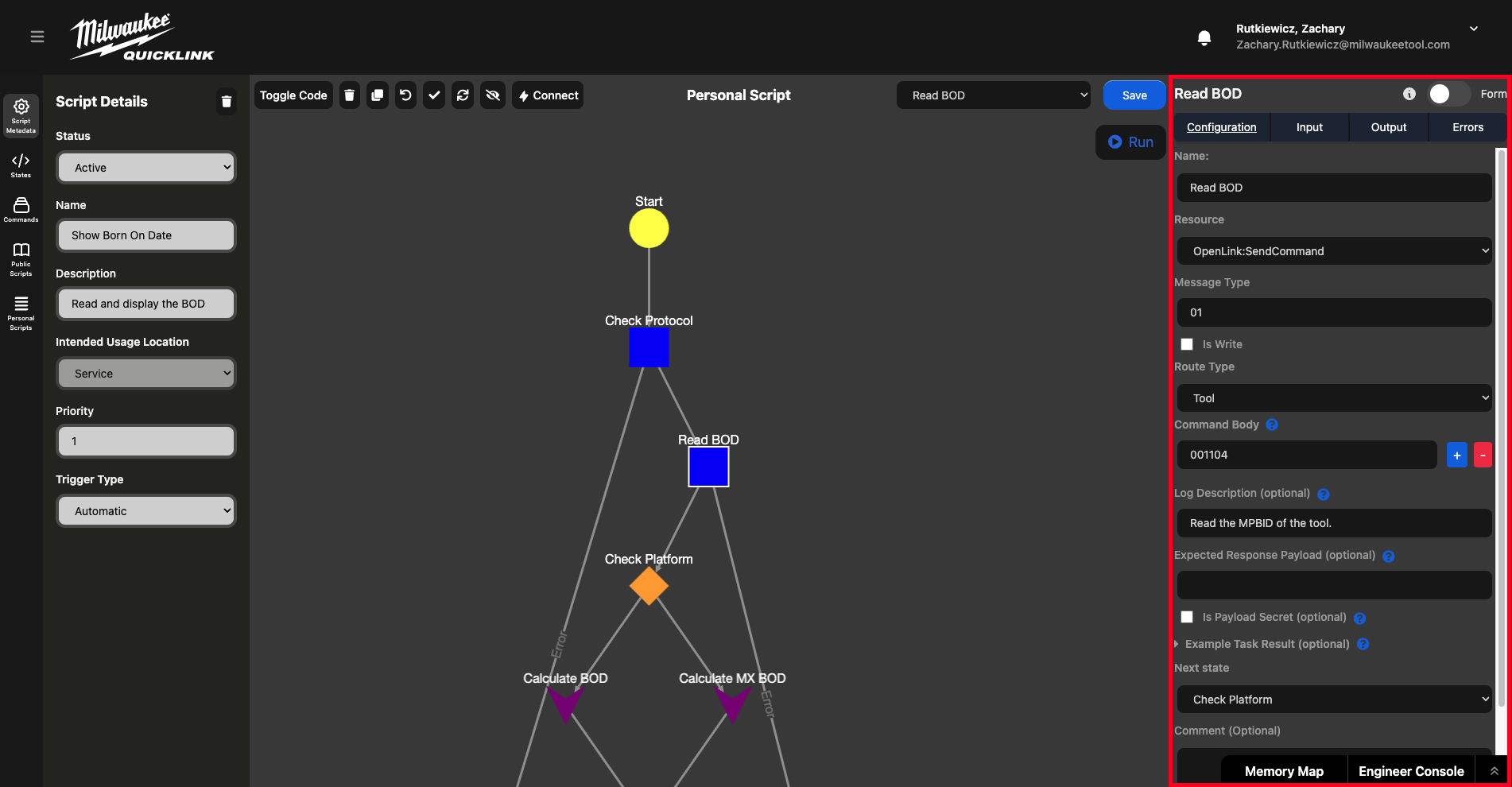
Configuration
This tab allows the editing of each of the state specific fields for the state that is selected in the editor. The options for configuration change based on what type of state is selected. Field definitions for each state type can be found in the MTSL documentation by clicking the i on the top of the bar.
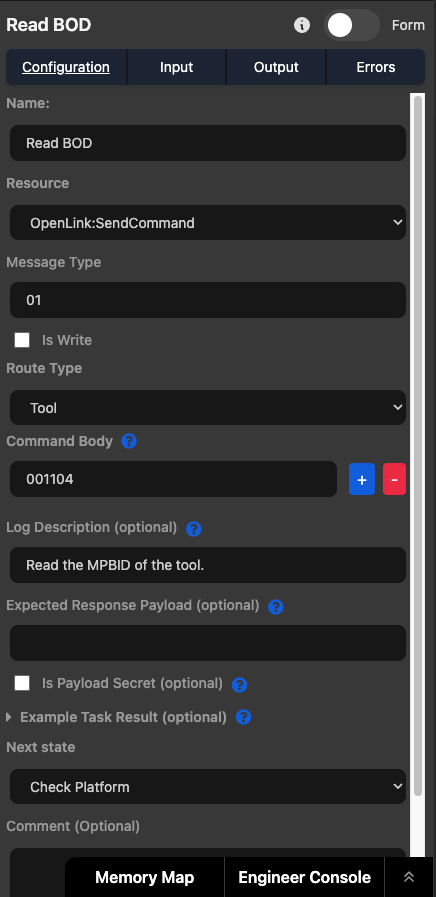
Each change made here gets translated to JSON behind the scenes. This JSON can be edited directly using the Code Editor or by switching to JSON mode via the toggle.
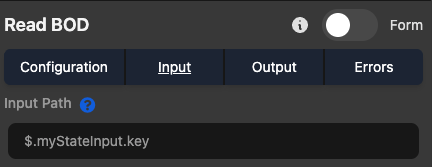
Input
This tab allows us to filter what input the current state can utilize.
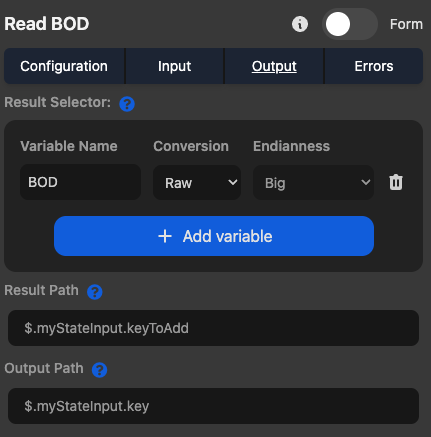
Output
This tab allows the creation of output variables that can be used later in the script.
Errors
The sidebar also allows configuration of error handling for specific states. This is done by setting up a catch and the next state to go to after erroring.