Left Sidebar
This sidebar allows quick access to common utilities and actions that need to be taken when dealing with editing MTSL Scripts.
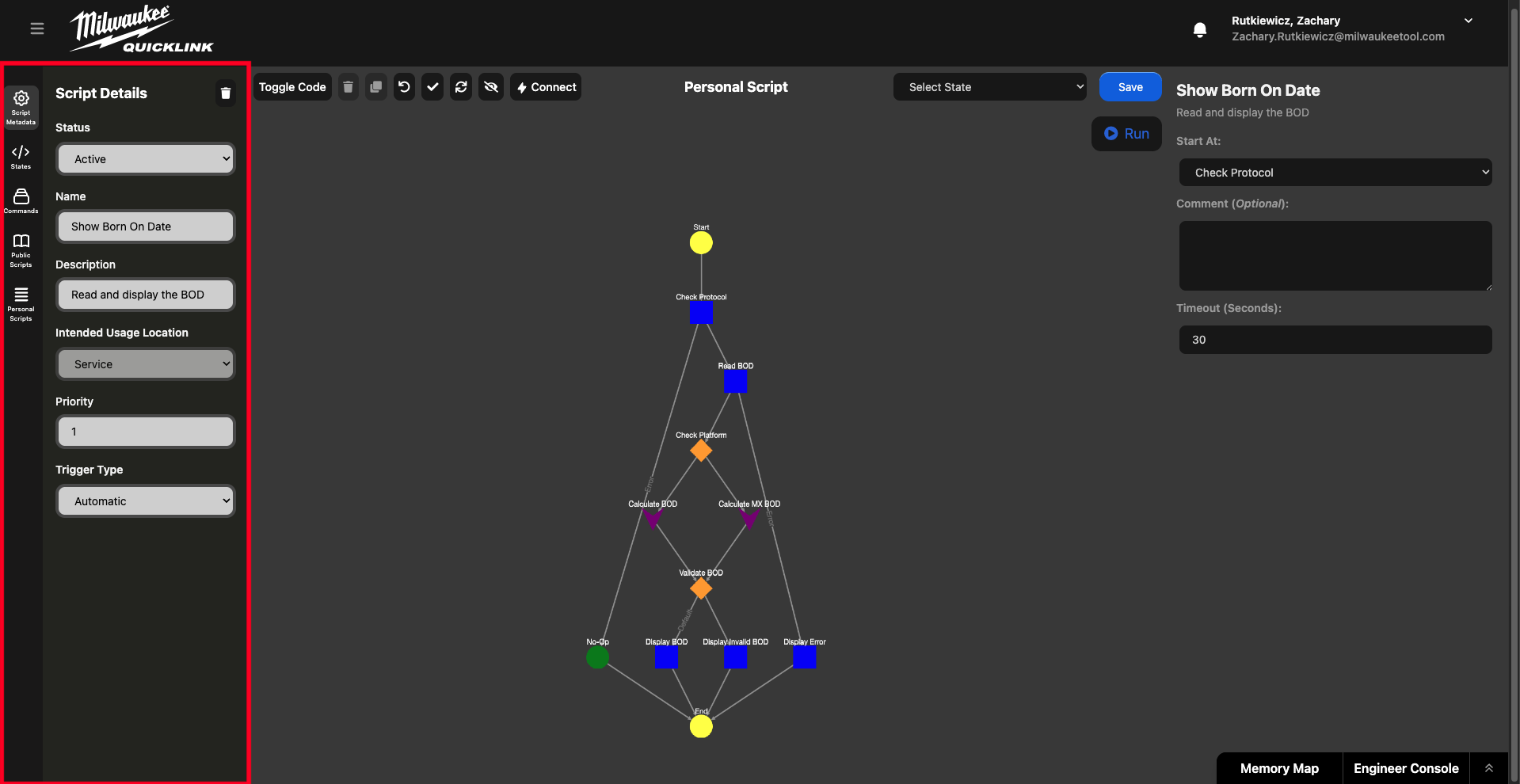
Script Metadata
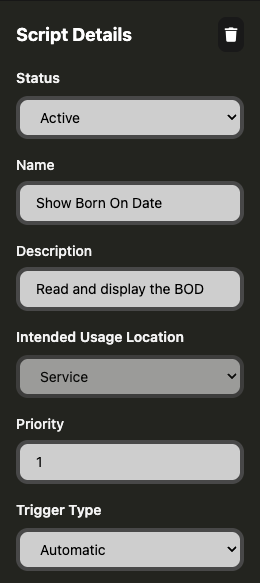
Edits the scripts current details. This is the information used to classify the script and determine if it is active.
States
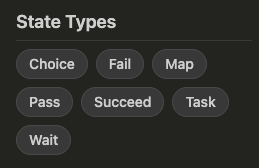
Since MTSL is a state based language we are able to graphically represent it. This sidebar allows you to select what state is to be placed into the editor. It is broken into two parts; the core MTSL State Types:
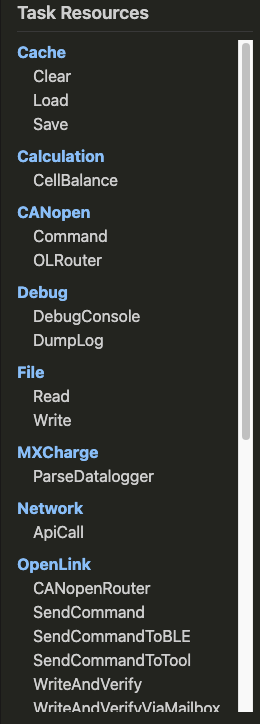
As well as the Task Resources:
Commands
These are a bunch of default commands that are often used in scripts, they are broken out here as adding them manually would be tedious to do every time. Under the hood these are all just OpenLink send commands with the command body and return prefilled out.
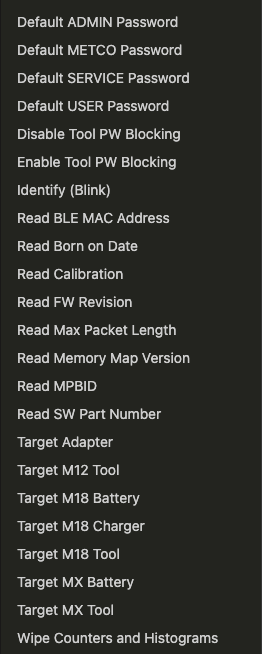
Public Scripts
This is a set of scripts outlining command flows that may need to happen somewhat regularly but are complex in nature. These can be used as templates for new scripts or as one-time actions when working with tools.
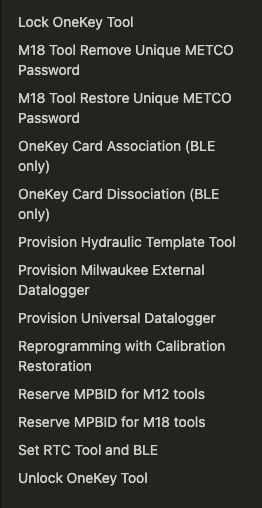
Personal Scripts
A personal script is a user-created script that is not associated with a specific tool. These can be created and used by individuals that use MTSL scripts for specific engineering for service purposes. These scripts can't be accessed by other users and can't be promoted to product scripts.
